Evernote and Repeatable Checklists
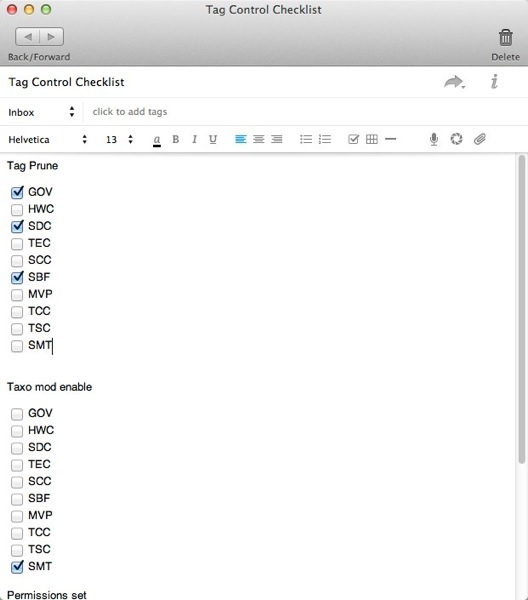
Since I've got eight sites I've got to do stuff on, checklists help me a lot. To make a checkbox in Evernote, you can either click on the little checkbox icon in the formatting bar for the note, or use cmd-shift-T (insert todo). A while back, I made a generic checklist of my ten sites and put it in an Evernote folder named "templates."
When I need to use the checklist, I right-click on it and pick "Copy to Notebook" then click "Inbox," then name the new copy something appropriate to the task I'm working on.
Pro tip: You can search "todo:false" to find every note with an unchecked todo box in it.
Pro pro tip: You can add a tag argument to your search to find unchecked todos in things of a given tag, e.g. "todo:false tag:work"
Pro pro pro tip: You can save that todo search by clicking File > "New Saved Search" and giving it a name.
#evernote #productivity #software